
Menu
Menu

Install this application on your home screen for quick and easy access when you’re on the go.
Just tap then “Add to Home Screen”
We've created this handy guide to help you at every step of your Joint Sessions experience – from uploading your Paper to making the most of your participation.
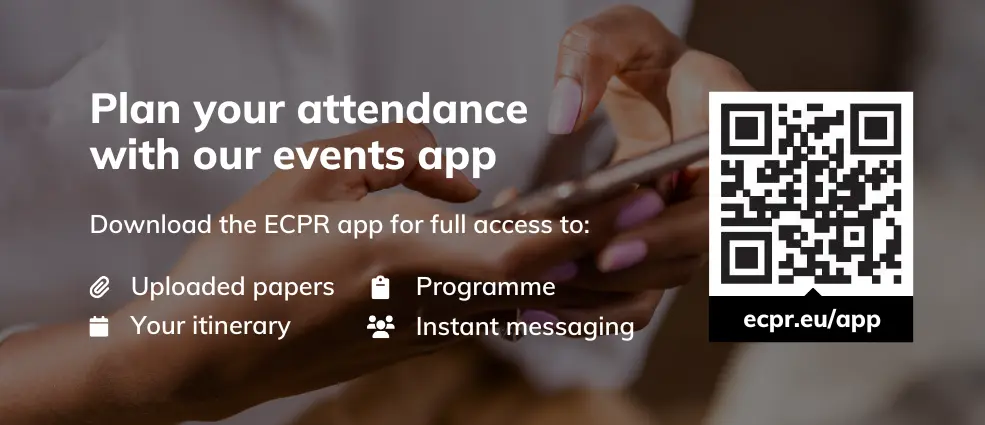
Important: Please ensure you are logged into the event app with the same email address as the one you have registered for the event with.
Prepare for your Workshop with our useful guide.
Make the most of your stay in Innsbruck with suggestions from our local organising team. Click here to explore accommodation options.
When arranging travel and accommodation, please ensure that your booking is refundable.
It is your responsibility to arrange appropriate travel insurance. ECPR is not liable for reimbursing the cost of travel or accommodation made by participants.
You deserve a positive event experience. Please take a few moments to read our Code of Conduct which outlines our expectations regarding the conduct of participants at all our events.
Please upload your Paper (in PDF format and in English) well ahead of your presentation so that your fellow Workshop attendees have time to prepare comments and questions.
You can also use this facility to replace your Paper or remove it after the event. Contact our Events Team if you have trouble uploading your Paper.
Prefer to share your Paper with fellow participants directly?
Please email your Paper to the Workshop Director.
To access uploaded Papers in your Workshop, log in to the event app and browse the Papers tab under Programme. If available, click the Download Full Paper button on the Paper information page to get the PDF.
For the most up-to-date and detailed schedule, please email your Workshop Director. Room allocations can be found on the Academic Programme.
If you wish to present using PowerPoint or equivalent, please bring your presentation on your own laptop/PC. All rooms will be equipped with HDMI/USBC cables. We will not be able to provide a laptop during the event.
Cleavage Politics and Democratic Resilience
Wednesday 8 April, 17:15 – 18:30 CEST
Speaker Silja Häusermann, Department of Political Science, University of Zurich
Room AULA Building A, at Innsbruck University
The lecture will also be streamed live on the event app.
Head to Discover on the event app and search for colleagues throughout our community. Don't forget to enable messaging and make your profile public to make sure you are discoverable to others.
Don't forget to share your #ecprjs26 adventures with us and fellow scholars on social!
You will receive an email the day before the event (Monday 7 April, 2026) with a QR code for your badge collection. Please have that QR code ready to be scanned at the regsitartion desk on your arrival.
Badges are required to access all Workshops, including networking events. Collect yours at the Registration and Information Desk (SOWI Campus – Ground Floor Foyer, Building A) during the following times:
Tuesday 08:00 – 17:00 CEST
Wednesday to Friday 08:30 – 17:00 CEST
To help us deliver a smooth experience to your fellow scholars, please let us know as soon as possible.
You will find plenty of useful information under the Help Centre on our event app.
If you still require support, email jointsessions@ecpr.eu
Alternatively, our friendly Events Team are on hand to assist throughout the event. Times are in CEST.
Tuesday 08:00 – 17:00 CEST
Wednesday to Friday 08:30 – 17:00 CEST