
Menu
Menu

Install this application on your home screen for quick and easy access when you’re on the go.
Just tap then “Add to Home Screen”
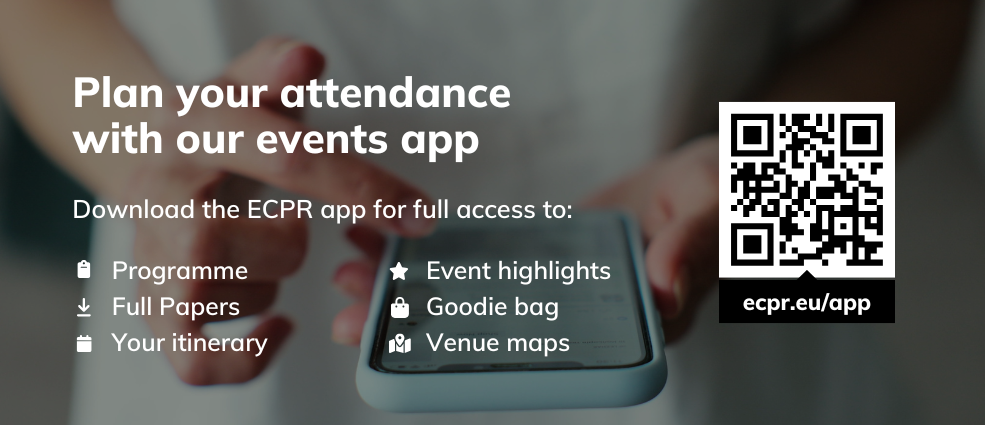
Important: The conference programme is available via the event app and the website. Please ensure you are logged into the event app with the same email address as the one you have registered for the event with.
The desktop version of the event app is available here.
Your itinerary is available on the event app and My Events in My ECPR. Panels in which you have a role have been automatically added.
Add sessions to your itinerary by clicking the calendar icon in the programme. The format of each Panel and activity is indicated as follows:
or P in the Panel code: In-person
or V in the Panel code: Virtual
To sync your itinerary with your calendar, click the Export to Calendar button at the top of the itinerary page.
Collect your badge at the Administration Building, Aristotle University of Thessaloniki at the following times:
Tuesday - Thursday: 07:30–17:30
Friday: 08:00–17:30
Please upload your Paper (PDF in English) well ahead of your presentation to give fellow panellists time to prepare comments and questions.
You can upload your paper via My Events in your My ECPR account. For step-by-step guidance, visit our Help Centre and view the Paper Upload Instructions article.
You can also use this facility to replace your Paper or remove it after the event. Contact us if you have questions about uploading your Paper.
By uploading your Paper via My ECPR, you agree to its publication on the event app for all participants. To share your Paper directly with fellow panellists, please email it to your Panel Chair.
If you are presenting a Paper, please bring your presentation on a laptop. We will be unable to accept presentations via email or USB.
Room allocations are indicated in the Building field on the programme in the event app and website. These can also be found once the Panel/activity has been added to your itinerary.
Before joining, familiarise yourself with features you may need – mute / unmute microphone, stop/start video, share screen, naming / renaming yourself, chat and 'raise hand'. Find out more in the attendee controls guide.
Times in your itinerary are indicated in EEST.
Browse Highlights on the event app to find out everything we have lined up for the week – from thought-provoking sessions that tackle pressing matters in the discipline and scholarly publishing, to networking opportunities with fellow scholars and our editorial teams.
Stop by our Expo in person to connect with a diverse range of exhibitors from publishing, software, and the wider social sciences community, and explore our digital goodie bag, available exclusively through our event app, for special offers and resources!
We'd love to hear about your experience. Share your #ecprgc25 adventures with us and fellow scholars.
If you can't attend, please let us know as soon as possible.
You will find plenty of useful information in our Help Centre on our website or the event app.
Alternatively, our friendly Events Team are on hand to assist at the Information Desk throughout the event:
Tuesday - Thursday: 07:30–17:30
Friday: 08:00–17:30
You can also get in touch by emailing generalconference@ecpr.eu